 Tako Docs
Write Your First Tako Script
On this page
You will create reference/run.js, load or build a structure, run a calculation, reject an unconverged result, write a final structure and summary, and update the viewport. Use scripting when a result depends on several repeatable steps; use the visible calculation dialog for one-off work.
Before you start
Create or open a workspace where these paths can be used:
reference/run.js
input/
output/
analysis.md
The script executes in the browser against the current Explorer and calculation workers. It receives the global tako API; it does not run as an unrestricted host script.
Step 1: Create the script
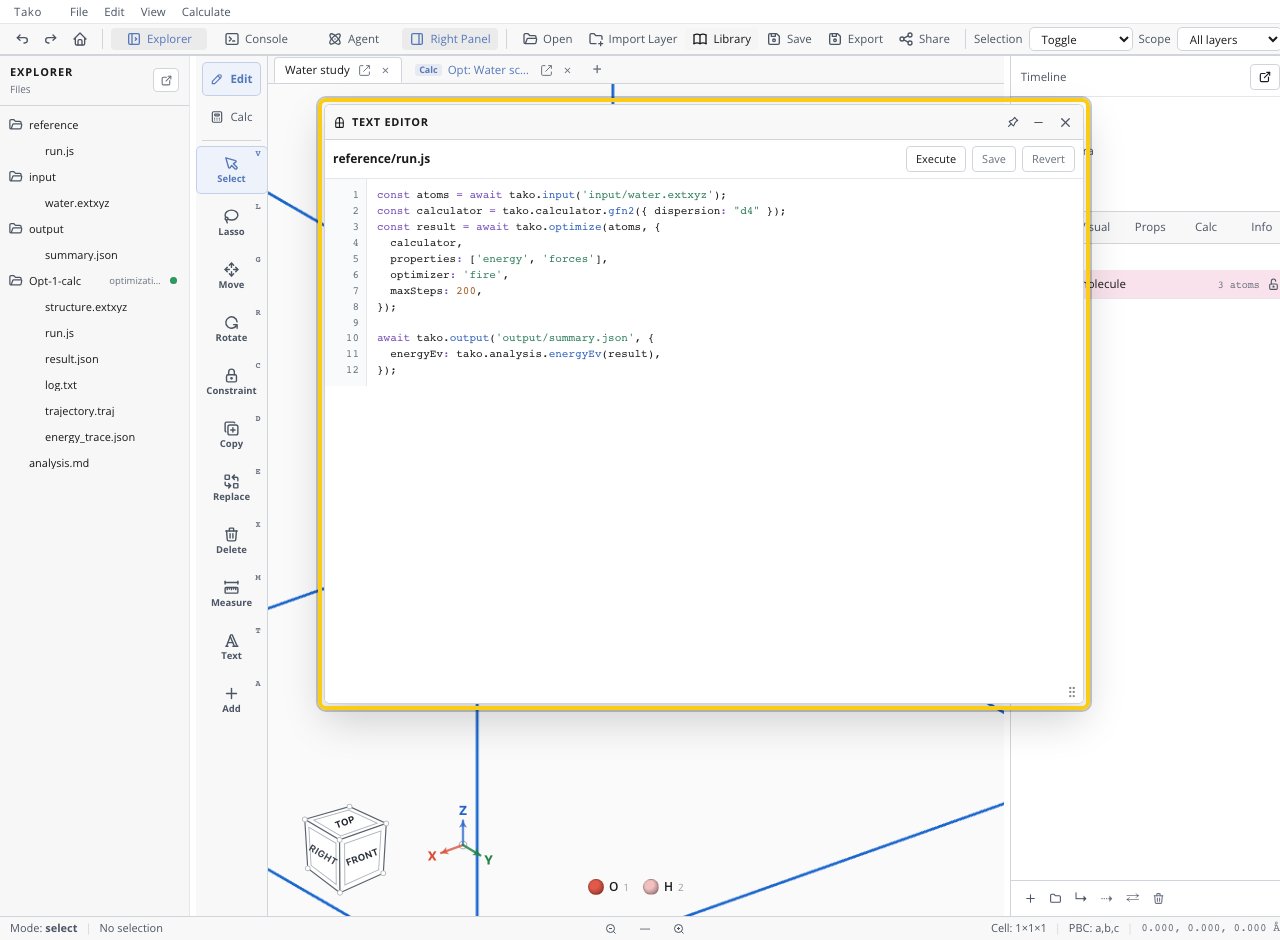
Create reference/run.js and begin with an explicit input or constructor:
const atoms = tako.structure.Atoms('H2O', {
  title: 'Water',
  positions: [[0, 0, 0], [0.76, 0.58, 0], [-0.76, 0.58, 0]],
});

await tako.output('input/water.extxyz', atoms);
await tako.ui.setStructure(atoms, { title: 'Water input' });
Saving generated inputs makes the run auditable even if construction code later changes.
Step 2: Run and gate a calculation
const calculator = tako.calculator.gfn2({ dispersion: 'd4' });
const result = await tako.optimize(atoms, {
  calculator,
  properties: ['energy', 'forces'],
  optimizer: 'fire',
  maxSteps: 200,
  fmaxEvPerAngstrom: 0.05,
});

if (!result.converged) {
  throw new Error('Water optimization did not converge; refusing to publish outputs.');
}

const finalStructure = tako.analysis.finalStructure(atoms, result);
await tako.output('output/water-optimized.extxyz', finalStructure);
await tako.output('output/summary.json', {
  converged: result.converged,
  energyEv: tako.analysis.energyEv(result),
  steps: result.steps,
});
await tako.ui.setStructure(finalStructure, { title: 'Optimized water' });
Step 3: Execute and inspect
Open reference/run.js in the editor and click Execute. Watch Console and the calculation folder. After completion, open output/summary.json and the final structure.
Check your result
| Check | Pass condition |
|---|---|
| Script source | Stored at reference/run.js |
| Input provenance | Input structure written or external source recorded |
| Calculation | Completed and explicit convergence gate passed |
| Outputs | Summary and final structure are non-empty |
| UI | Viewport shows the accepted final structure |
| Rerun | Running from the same inputs/settings reproduces the workflow |
Next steps
- Use Organize a Reproducible Workspace for larger projects.
- Use the Tako Script API Reference for public namespaces.
- Use Operation Settings for exact accepted fields.
- Study Scientific Examples for multi-stage scripts, tables, plots, and reports.
Common problems
| Symptom | Cause | Fix |
|---|---|---|
tako.* path is undefined | Invented or stale API | Use the generated API reference |
| Calculation returns a promise-like value | Missing await | Await every asynchronous operation/I/O call |
| Structure changes in data but not viewport | Pure structure helper used without view update | Call tako.ui.setStructure |
| Outputs are scattered | No project layout | Keep source/input/output/report paths stable |
| Script publishes failed stage | No explicit gate | Throw before writing headline outputs |