 Tako Docs
Share a Live Read-Only Workspace
Let a recipient inspect selected Explorer files immediately without sending a durable full-workspace archive.
Procedure
- Click Share in the top toolbar, or right-click a file/folder and choose Share for a scoped root.
- Send the generated link to the recipient.
- The recipient opens it and returns the generated answer code.
- Paste the answer into Recipient answer and click Connect peer.
- Keep the owner tab open until transfer completes.
- Stop sharing when the session is finished.
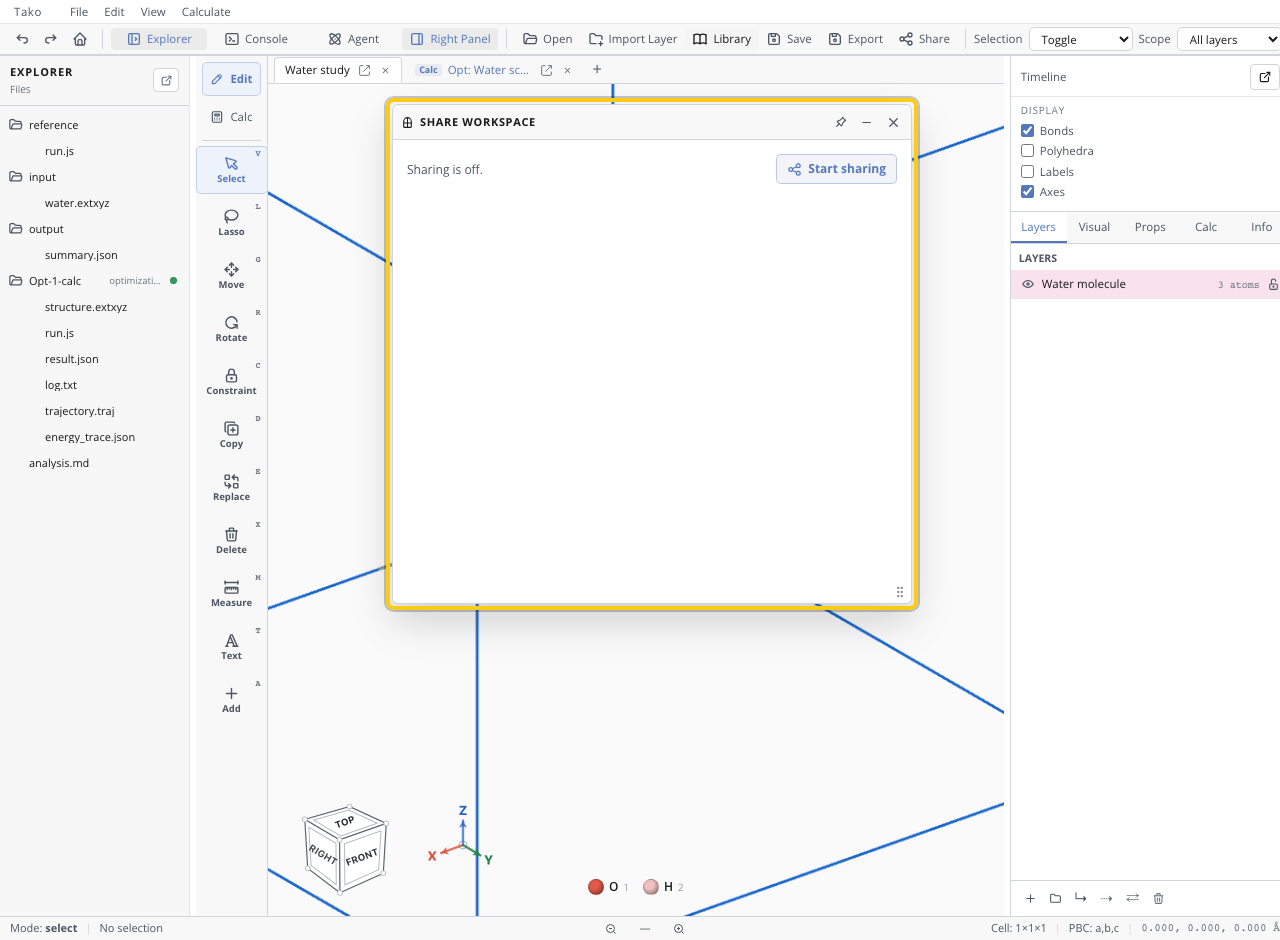
Live Share sends non-ignored Explorer files. It does not provide collaborative editing, durable hosting, local UI history, browser caches, or model weights.
Scope and ignore rules
Use a root .takoignore file to exclude local-only files from live share and sync-style manifests:
*.traj
output/runs/
!output/summary.json
Verify the share
Confirm the window lists the intended roots/files, the peer reaches connected/transferred state, the recipient can open the report and supporting files, and no secret or unrelated file is included.
Troubleshooting
| Symptom | Fix |
|---|---|
| Recipient sees Owner offline | Reopen/keep the owner tab active and recreate session if needed |
| Peer never connects | Recheck the answer code and network/WebRTC restrictions |
| Too many files | Share a narrower folder or add ignore rules |
| Recipient expects editing | Explain that the received workspace is read-only |