 Tako Docs
Export a Workspace Archive
Back up or hand off a complete Tako workspace that remains available after the owner tab closes.
Procedure
- Verify important calculations and reports.
- Choose File > Export Workspace ZIP.
- Save the timestamped archive outside the browser profile.
- Inspect the archive or reopen it in a separate Tako workspace.
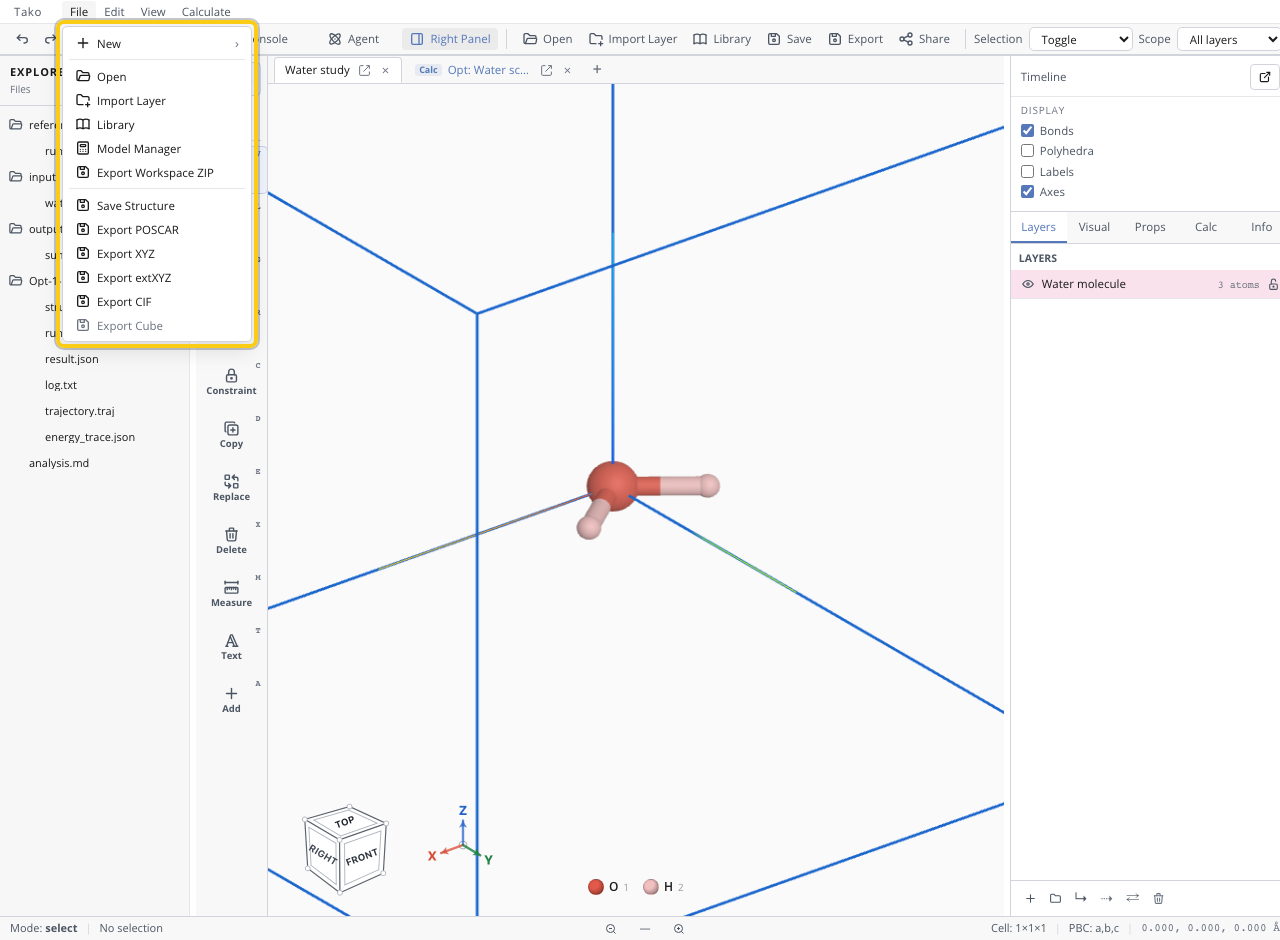
Archive contents
| Path | Purpose |
|---|---|
README.md | Archive orientation |
workspace.json | Projects/tabs, structures, layers, settings, records, Explorer state |
explorer/ | User-facing scripts, inputs, outputs, and reports |
calculations/.../input/ | Calculation inputs/settings/scripts |
calculations/.../output/ | Results, logs, trajectories, spectra, cubes |
repo.json and manifests/ | File inventory/hash metadata |
artifacts/sha256/ | Deduplicated content-addressed file bodies |
Model runtimes/weights are not bundled; the recipient downloads required assets separately.
Verify the archive
Confirm the ZIP is non-empty, contains the intended script/inputs/outputs/report, opens successfully, and does not contain credentials or private files. Re-run only after checking model/version and provenance expectations.
Troubleshooting
| Symptom | Fix |
|---|---|
| Archive misses a result | Ensure it was written into Explorer/workspace state before export |
| Recipient cannot reproduce | Include reference/run.js, explicit inputs, settings, and model ID |
| Archive is too large | Decide whether raw trajectories/caches are necessary before export |
| Model unavailable | Document required model and use Model Manager on recipient system |