 Tako Docs
Import a Structure
Bring an existing molecular or periodic structure into Tako without losing track of whether it should become an independent structure tab or a layer in the current structure.
Before you begin
Decide which relationship you need:
| Intent | Command | Result |
|---|---|---|
| Work on the file independently | File > Open | New structure tab |
| Combine or compare with the active structure | File > Import Layer | New layer in the active tab |
| Restore a complete Tako project | File > Open on a workspace ZIP | Workspace files/tabs restored from archive |
Keep the source file and its provenance outside Tako as well.
Procedure
- Choose File > Open or the Open toolbar action for a new structure tab.
- Select a supported structure file such as POSCAR, XYZ/extXYZ, or CIF.
- Alternatively, activate the destination tab and choose File > Import Layer to combine the imported atoms with that structure.
- Wait for parsing to finish and inspect the viewport, formula, cell, and periodicity.
- Rename the tab or layer so its scientific role is clear.
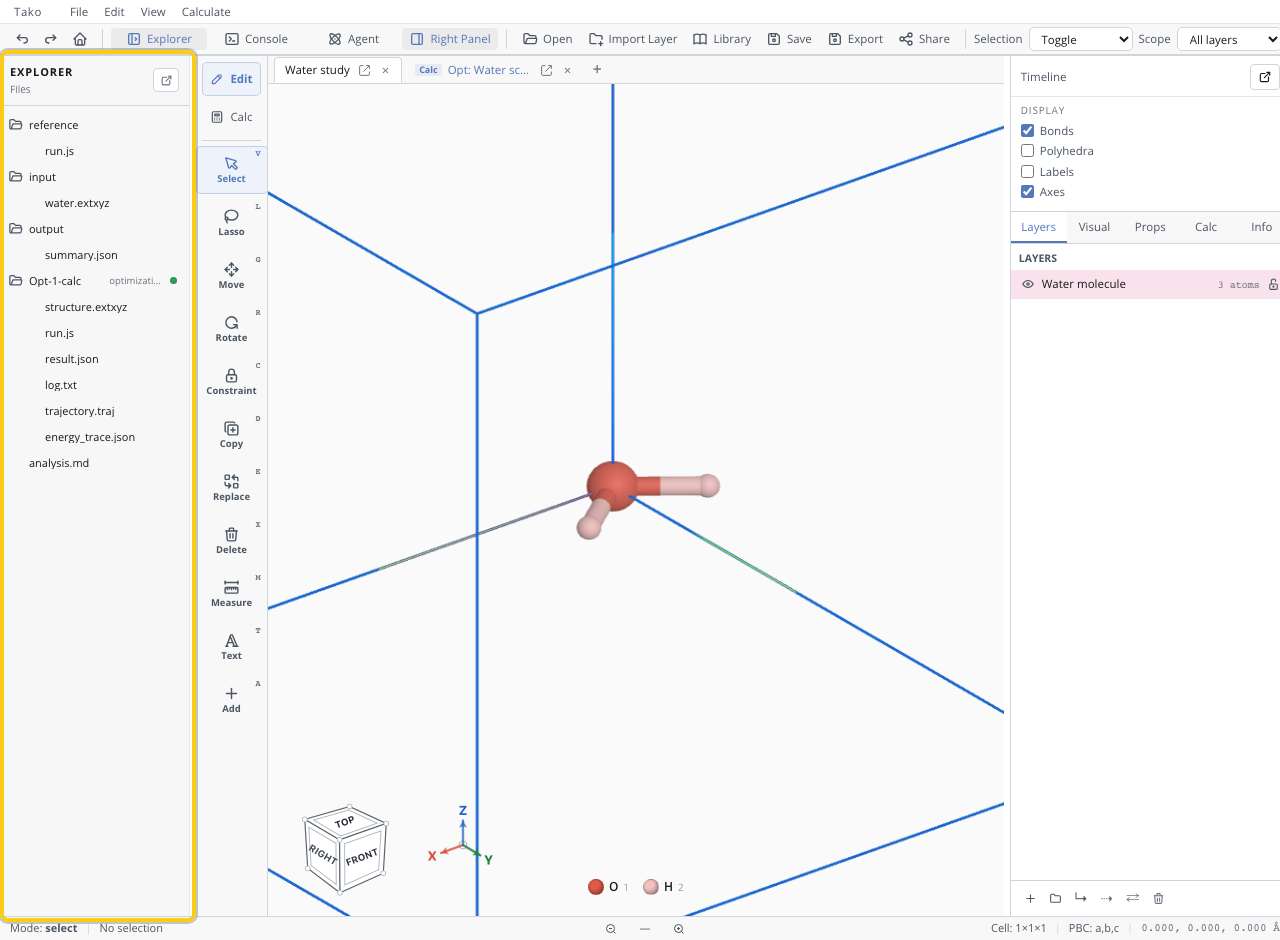
For a workspace ZIP, inspect the restored Explorer tree before executing any included script.
Verify the result
| Check | Pass condition |
|---|---|
| Atom count/formula | Matches the source structure |
| Coordinates | No collapsed atoms, extreme separations, or unintended wrapping |
| Cell | Lattice vectors and dimensions match the source when periodic |
| Periodicity | Molecules are not accidentally treated as bulk crystals and vice versa |
| Layer/tab destination | Imported atoms landed in the intended context |
| Provenance | Source identifier and any transformations are recorded |
Variants
- Use the Library for bundled, named starting structures.
- Use a Tako Script and
await tako.input(path)when import is part of a reproducible workflow. - Use Open as structure on a calculation artifact to create a working structure from a final frame or saved output.
Troubleshooting
| Symptom | Likely cause | Fix |
|---|---|---|
| Structure is empty or malformed | Unsupported/invalid file syntax | Validate the source file in its native format |
| Molecule has an unexpected box | File contains cell/PBC metadata | Inspect and deliberately reset periodicity if appropriate |
| Imported object replaced your work | Open was used instead of Import Layer | Undo if available, or reopen the intended files in separate tabs |
| Atoms overlap after layer import | Coordinate origins/cells differ | Translate/align only after checking units and cell conventions |
| CIF symmetry result differs | Symmetry expansion or setting differs | Record the source setting and compare fractional coordinates |